Audio setup for card streams: clear voice, no wrapper noise
Getting clear sound on a pack opening stream: choosing a microphone, placement, OBS filters, music and alert sounds.
Streaming5 min read
On a pack opening stream, viewers can forgive an average picture, but not bad sound. If your voice is quiet, echoing or buried under the crackle of pack wrappers, people leave. The good news: clear audio is cheap and mostly about placement and a few settings.
Choose a microphone that suits a desk
- Dynamic microphones pick up mostly what is close to them. They are forgiving in normal rooms and ignore much of the background noise. A good choice for most card streamers.
- Condenser microphones are more sensitive and detailed, but pick up the room, the keyboard and every wrapper. They work best in quiet, treated rooms.
A simple USB microphone plugs straight into the computer and is enough to start.
Placement matters more than price
- Put the microphone close to your mouth, a hand's width or so away.
- Point it at you, and away from the mat and keyboard where possible.
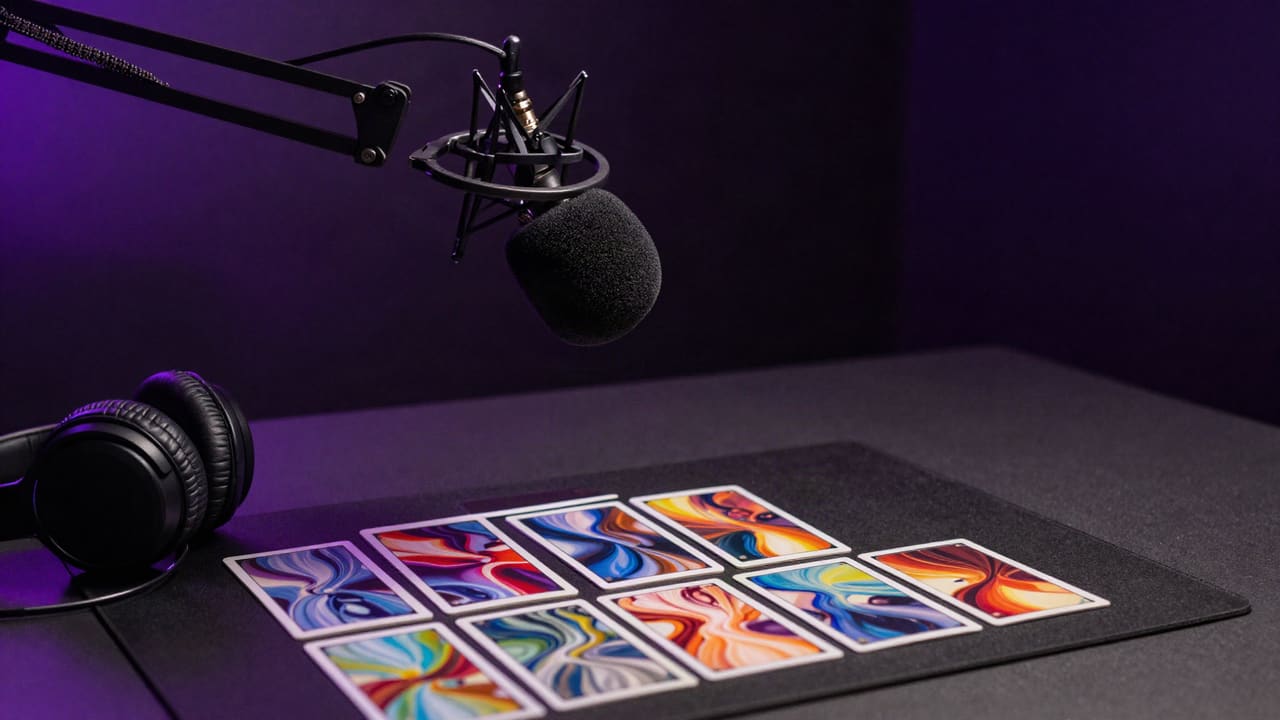
- Use a boom arm. A microphone standing on the desk picks up every tap, bump and box put down.
- A pop filter or foam cover softens hard “p” and “b” sounds.
Settings in OBS
Right-click your microphone in OBS, choose Filters, and add these in order:
- Noise suppression: removes steady background noise like fans.
- Noise gate: mutes the mic between sentences, so quiet sounds are cut.
- Compressor: evens out loud and quiet speech.
- Limiter: stops sudden loud moments, like a shout at a big hit, from distorting.
Set levels so your voice peaks in the yellow on the OBS meter, not the red.
Music
Background music adds atmosphere, but keep it well below your voice, and only use music you have the rights to stream. Copyrighted music can get streams muted or worse on many platforms.
Alert sounds
Sale alerts with a sound make every order an event. Keep alert sounds short and at a level that does not drown you out, and make sure they play from one source only, so they are never heard twice. StreamQueue alerts let you choose the sound and volume.
Test with a recording
Record a few minutes of yourself opening packs and talking, then listen back on headphones. You will hear problems you never notice live.
For the camera and lighting, see how to stream TCG pack openings.