How to turn pack openings into clips and highlights
Turning streams into short clips and longer highlights that bring new viewers: finding the moments, vertical edits, titles and buyers' privacy.
Streaming5 min read
A three-hour stream reaches the people watching it live. A 20-second clip of the best pull can reach thousands more, for weeks. Turning your streams into clips and highlights is one of the most effective ways to bring new viewers to a card channel.
Know your best moments
On a pack opening stream, the moments that travel are:
- The slow reveal of a big hit, with your reaction.
- A buyer's chase card coming out of their pack.
- The end of a box break, when the best card is pulled.
- Funny or surprising moments with chat.
Mark them while you stream
Ask viewers and moderators to clip big moments, and clip them yourself. Many streaming tools let you add a marker with a hotkey, so you can find the moment in the recording later.
Make short vertical clips
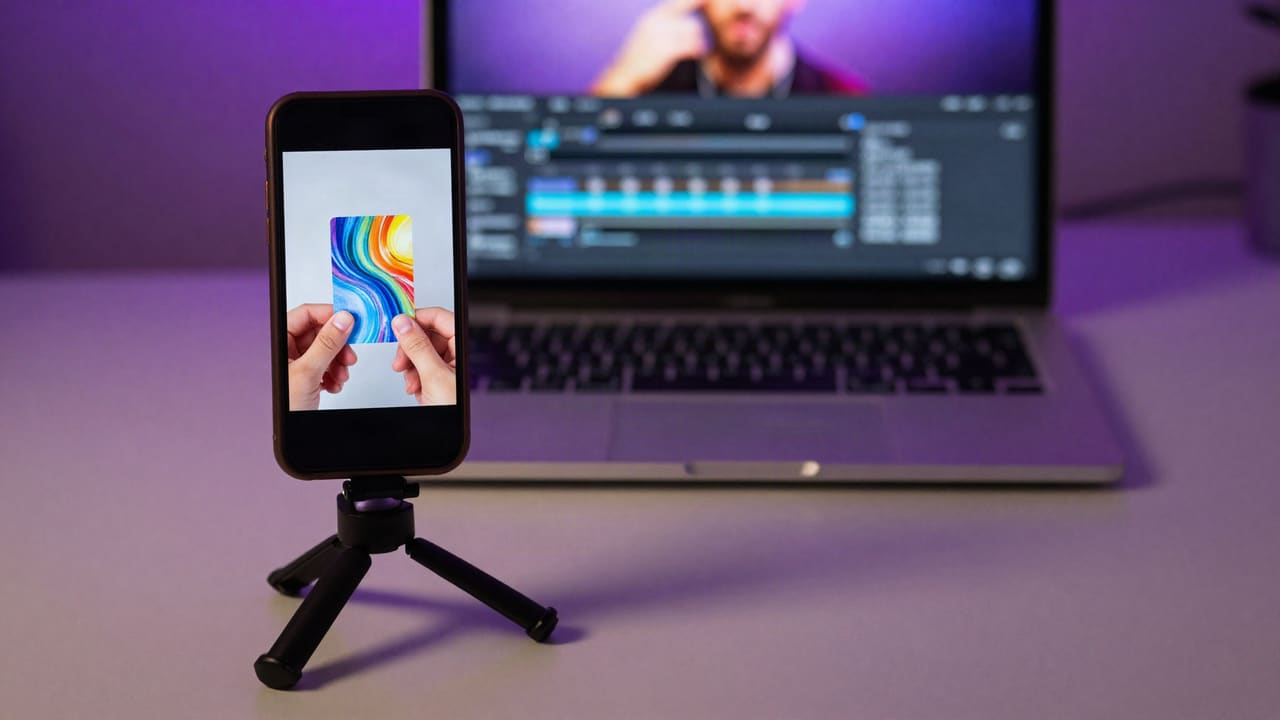
Short video platforms favour vertical video. Crop the overhead card shot to the centre, and put your face cam above or below it. Keep clips short: the build-up, the reveal and the reaction.
- Start right before the reveal; do not make people wait.
- Add captions; many people watch without sound.
- Write a clear title: which set, what was pulled.
- End with where to find the live stream.
Longer highlights for YouTube
A ten-minute highlight of a big opening works well on YouTube, where people search for openings of specific sets. Name the set and product in the title, and the replay can keep finding viewers long after the stream.
Make it a routine
Pick one or two moments from every stream and post them within a day or two, while the set is still fresh. A steady trickle of clips works better than a big batch now and then.
For growing a channel, see how to grow a TCG stream from zero, and for the overlays viewers see in your clips, stream overlay ideas for TCG streamers.