How many spots should a box break have?
Choosing the number of spots in a box break: splitting packs evenly, spot price, audience size, and what to do if a break does not fill.
Box breaks5 min read

One of the first decisions in a box break is how many spots to sell. Too few and each spot is expensive; too many and the break takes all night to fill, or each buyer gets so little that it hardly feels worth it. Here is how to find the right number.
Start with the box
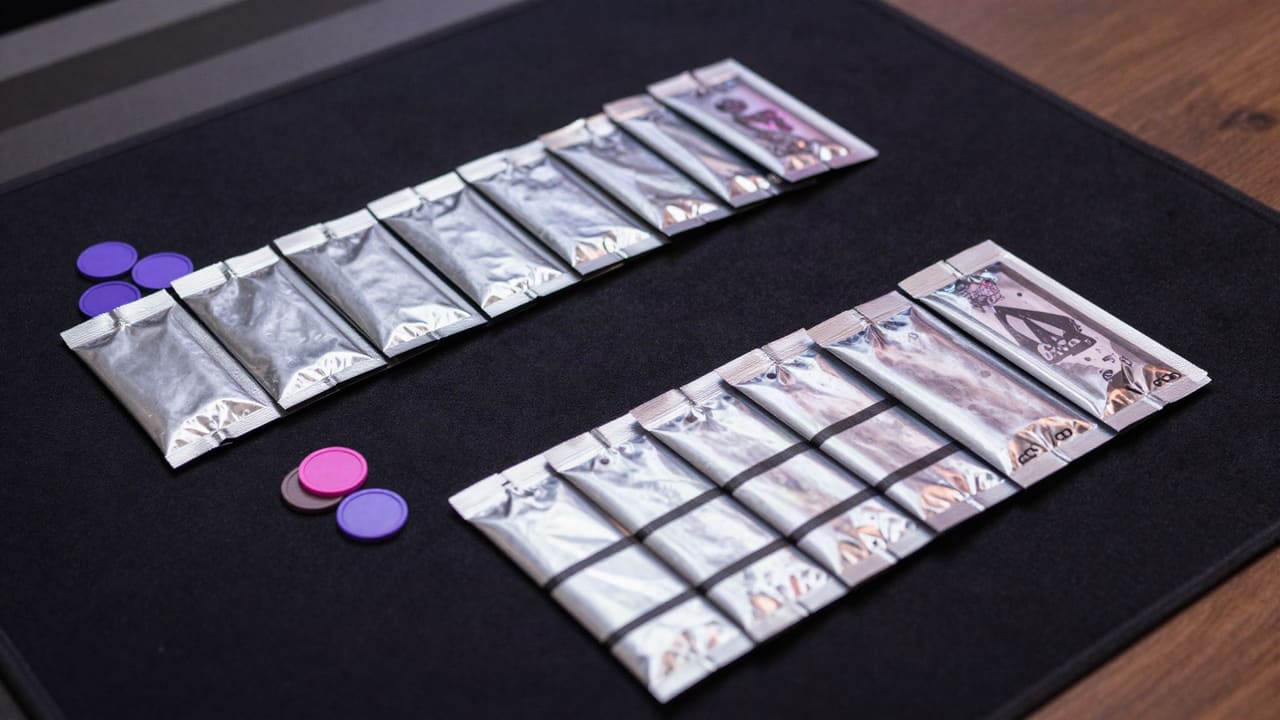
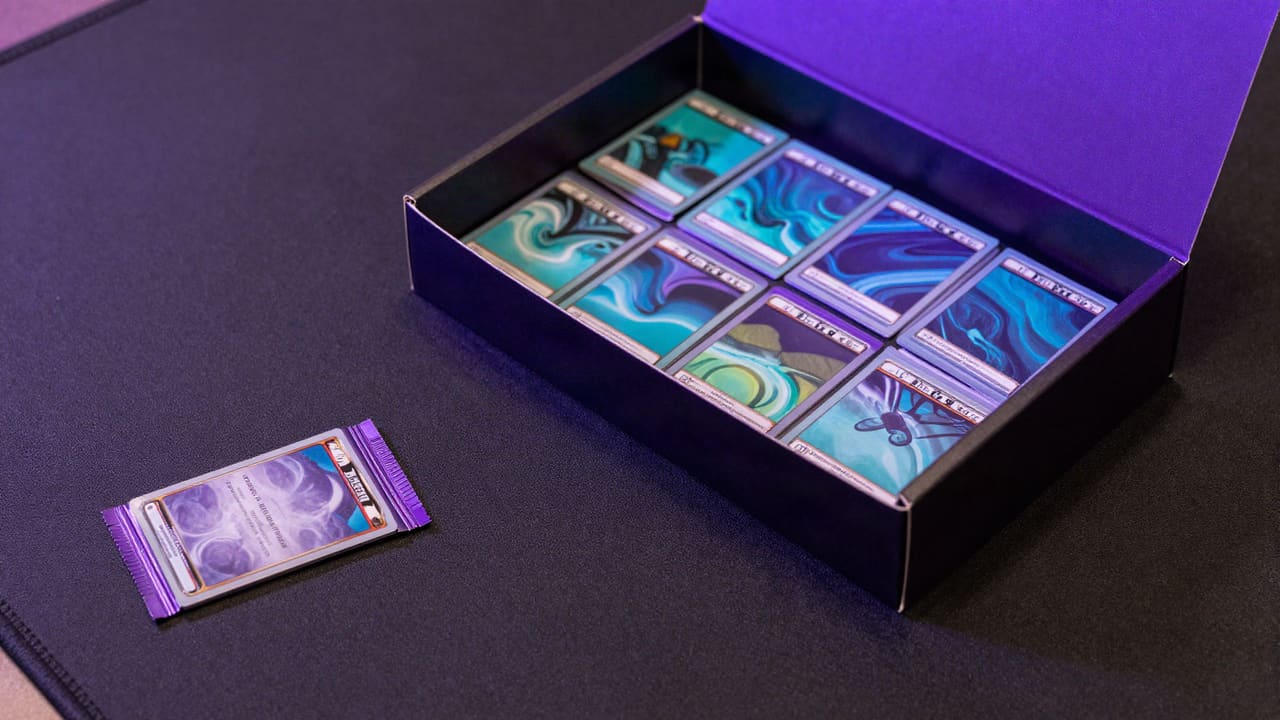
With pack spots, the number of spots should divide the packs evenly. A 36-pack box can be split into 36, 18, 12, 9, 6, 4, 3 or 2 spots. A 30-pack box into 30, 15, 10, 6, 5, 3 or 2. Uneven splits leave a pack nobody owns, and that causes arguments.
Then think about price
The spot price is roughly the box price divided by the number of spots, plus your costs and margin. Ask yourself what most of your viewers would happily pay for one spot. That price, worked backwards, tells you roughly how many spots you need.
Then think about your audience
More spots means more buyers are needed to fill the break. If you usually have ten buyers on a good night, a 36-spot break could take a very long time. A 9- or 12-spot break may fill in minutes.
Fewer, bigger spots
- Higher price per spot, fewer buyers needed.
- Each buyer gets several packs, so more chances at a hit.
- Fills fast with a small, committed audience.
More, smaller spots
- Low entry price, so more viewers can join.
- Each buyer gets one or two packs.
- Needs a bigger audience, or more time, to fill.
What if it does not fill?
Decide this before you start selling, and say it up front:
- Carry the break over to the next stream.
- Fill the remaining spots yourself, and say so openly.
- Refund everyone and try a smaller break next time.
Showing how many spots are taken and how many are left helps the last spots sell. A box break tracker puts that on screen while the break fills, and the number of spots can be changed later if you need to.
For running the whole break, see how to run a box break on Twitch.