A pre-stream checklist for card streamers
A five-minute checklist to run before every stream: picture, sound, overlays, sales, settings and you, so problems are caught before viewers see them.
Streaming4 min read
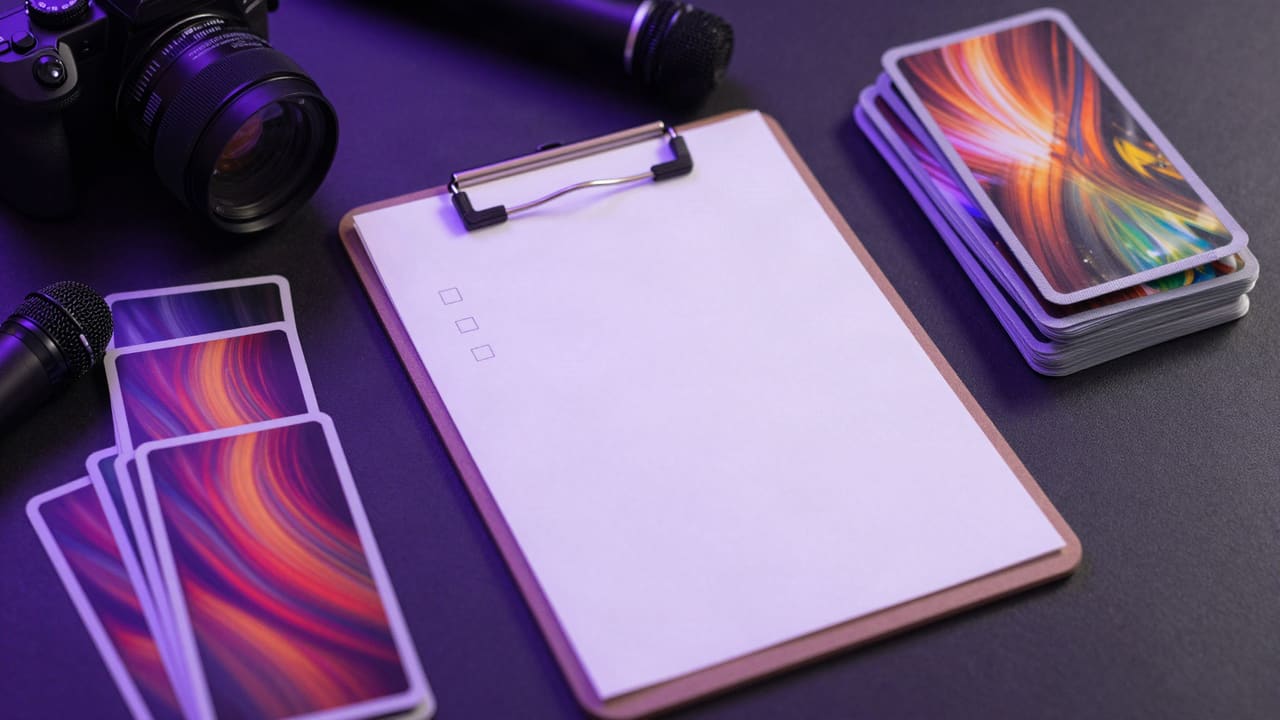
Most stream problems happen in the first ten minutes: a camera out of focus, a queue that is not showing, a microphone on the wrong input. A short checklist, run the same way before every stream, catches nearly all of them. Copy this one and adjust it to your setup.
Picture
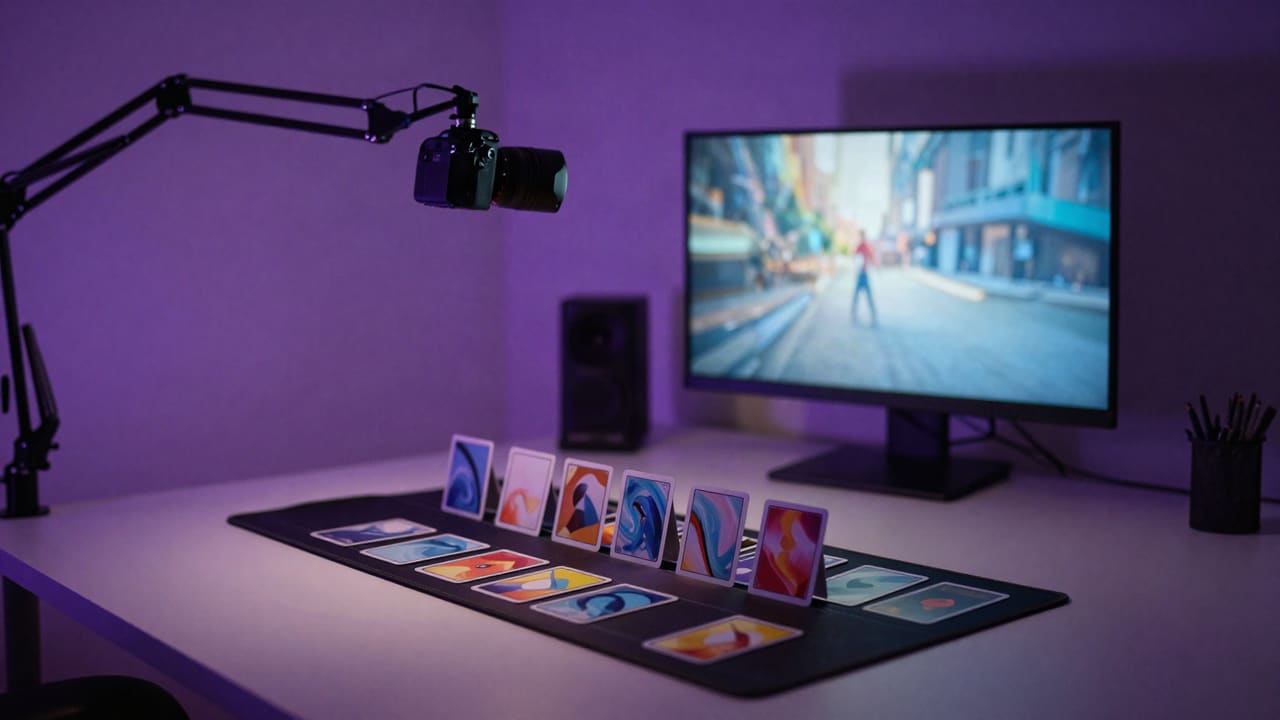
- Overhead camera on, mat fully in frame, focus locked.
- Lights on, with no glare on a holo card held under them.
- A second camera on your face, if you use one, framed and in focus.
- Phone notifications off, so nothing pops onto a shared screen.
Sound
- The right microphone selected, with the level peaking in the yellow, not the red.
- Music and alert sounds at a level below your voice.
- Headphones on, to avoid an echo.
See audio setup for card streams.
Overlays
- The queue overlay shows, and a test entry moves when you press Done.
- A test alert plays in the right place, with sound from one source only.
- The pack counter shows the right number.
- Nothing covers the cards on the mat.
If something is blank, see what to do when an OBS browser source is not showing.
Sales
- Stock counted, priced and listed.
- Payment method tested, and checkout links in your chat commands.
- Stream info and pinned message say how buying works and what ships.
- Sleeves, top loaders and name bags within reach.
Stream settings
- Title, category and tags match what you are about to open.
- The stream key is for the right channel.
- A short test recording, if you changed anything since last time.
You
- Water, and a plan for breaks.
- A moderator in chat for a busy night.
- A start and an end: a greeting, and a thank-you.
For the setup behind each item, read how to stream TCG pack openings and how to organise your desk.